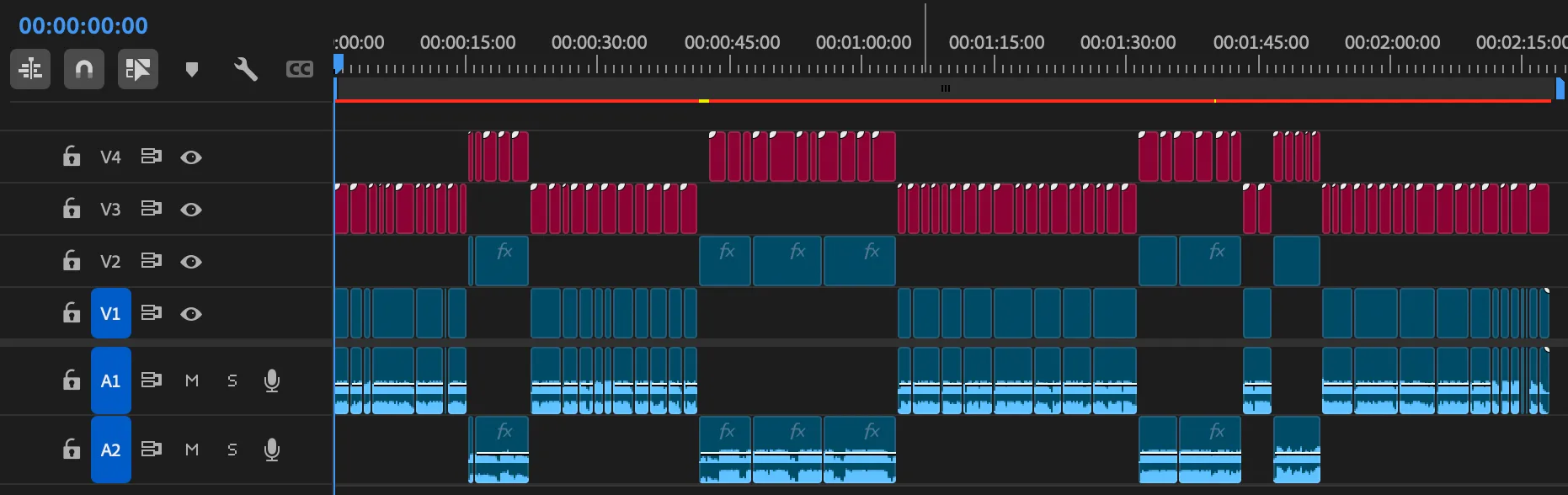
I did not start this project with a product plan. I started with a very practical editing problem: take a styled script, split it into readable subtitle chunks, and push those chunks into Adobe Premiere without manually duplicating and editing dozens of MOGRT clips.
That sounds manageable until you open a .prproj file and realize Premiere is basically a compressed XML ecosystem with its own logic, its own timing model, and its own very specific way of storing text inside Motion Graphics templates.
This project grew out of that mess.
It started as a Python script
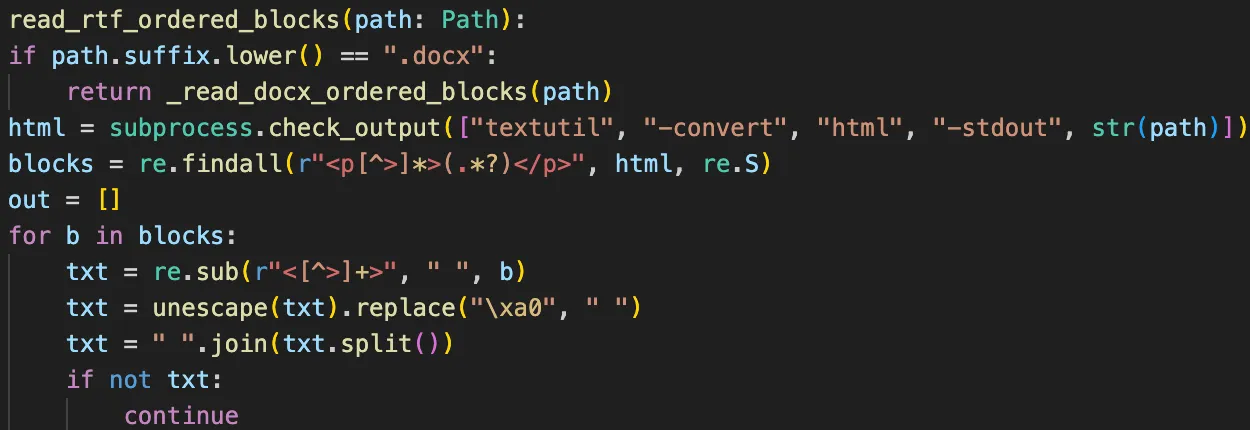
The first working version was just a script:
- read a text document,
- extract plain text and style information,
- split the text into subtitle chunks,
- clone a valid MOGRT clip in a Premiere project,
- replace the text payload,
- calculate timing from reading speed,
- write a new
.prproj.
The “split the text” part quickly became the real work. Hard character limits were not enough. Real subtitles needed rules:
- avoid one-letter and two-letter leftovers,
- keep prepositions attached to the next word,
- keep particles attached to the previous word,
- handle dashes differently depending on whether they start direct speech,
- avoid weird one-word endings,
- make two-line subtitles look balanced instead of merely valid.
So the project became half Premiere reverse-engineering and half language-aware text layout.
Then it became a terminal workflow
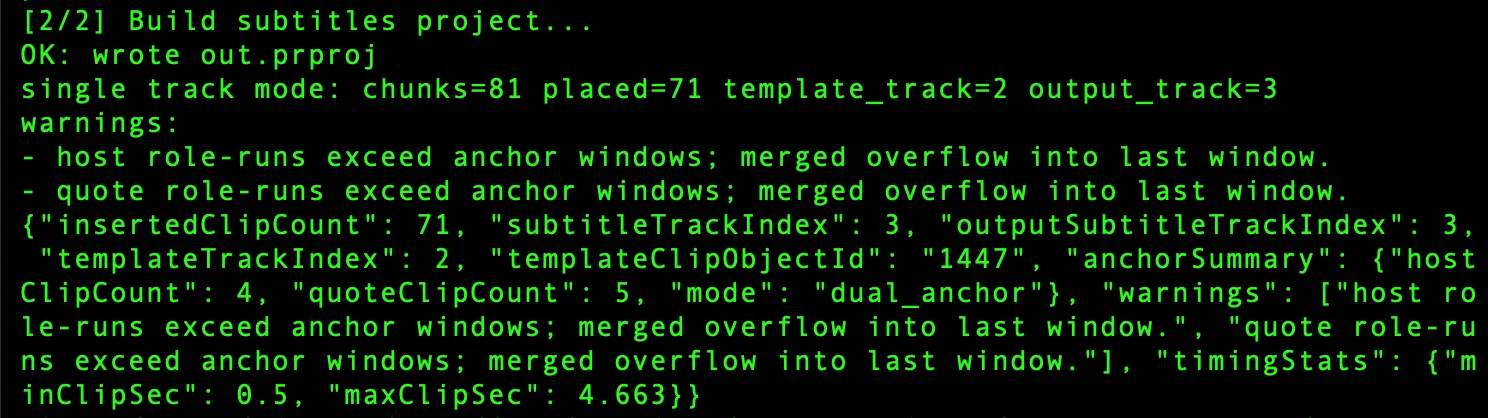
Once the engine worked, the next problem was usability.
I went through several CLI stages:
- a raw script with many arguments,
- a friendlier launcher that asked only for the needed file paths,
- a one-command demo variant for repeatable testing.
That phase was useful because it exposed the engine to lots of real files. New projects kept breaking assumptions:
- some templates stored text a little differently,
- some timelines had gaps in anchor tracks,
- some projects used only one role track,
- some needed frame-accurate alignment to host vs quote sections,
- some needed template reuse without disturbing existing tracks.
It was not glamorous, but it was honest product work.
The Premiere panel changed the shape of the tool
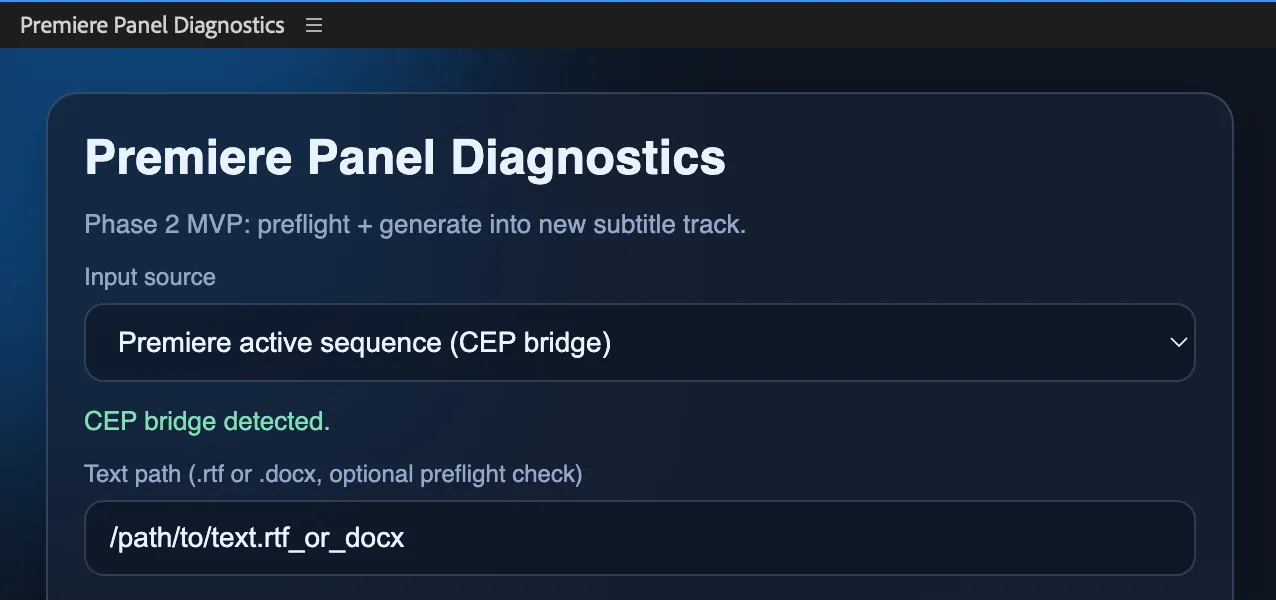
At some point it became obvious that editors do not want to babysit a terminal while working in Premiere.
So the next experiment was a CEP panel inside Premiere. That version let me:
- work with the active sequence,
- choose host and quote anchor tracks,
- choose the template track,
- generate subtitles directly into the current project,
- reuse the MOGRT already configured on the timeline.
That last part mattered a lot. Editors often tune the MOGRT in Premiere itself, not in an external file. Reusing the on-timeline template clip was much better than asking for a separate .mogrt path.
I also added two anchor modes:
- video anchors for classic
V1/V2workflows, - audio anchors for interviews where
A1andA2are the real timing skeleton.
This was the point where the project stopped being “a converter” and became “timeline behavior plus subtitle logic.”
I spent a surprising amount of time thinking about Windows and corporate security
Before settling on the web direction, I explored a bunch of deployment options:
- pure local Python scripts,
- one-command demo bundles,
- a signed Premiere extension,
- a standalone Windows executable,
- a panel talking to a remote backend,
- a fully offline path for restricted environments.
This was a useful reality check. A good internal tool is not just something that runs on the developer’s laptop. It has to survive:
- missing admin rights,
- locked-down Windows machines,
- blocked Python installs,
- extension policies,
- security reviews,
- update friction.
I did not throw those ideas away. Some of them are still relevant. But they helped clarify what mattered most right now: reduce friction for testing, keep the engine stable, and let users try the workflow without setup pain.
Why the web service won
The next practical move was not “finish the panel” and not “ship a Windows EXE.”
It was a web service.
That gave me a much simpler testing flow:
- upload a
.prproj, - upload a styled
.docx, - choose the track numbers,
- download a new
.prproj.
The core engine stayed Python. The interface became much easier to share.
That did not mean the hard part was over. In fact, this is where a subtle bug became very obvious: the panel was producing the right timeline, while the web service was producing a different one. On paper they were using the same engine. In reality, they were not.
The panel had become the authoritative behavior. The web service still had an older placement model. Fixing that meant aligning the web engine to the panel logic instead of pretending both paths were already equivalent.
That was one of the healthiest corrections in the whole project.
The home server phase was real indie engineering

Before cloud hosting, the service lived on an old MacBook at home.
That setup looked exactly like what you would expect:
- Python service,
launchdto keep it alive,- router port forwarding,
- dynamic DNS through No-IP,
- SSH hardening,
- local logs for access, actions, and errors.
It actually worked well enough to test with real users.
It also came with all the predictable rough edges:
- bot noise from the public internet,
- manual deployment over SSH,
- process restarts,
- router configuration,
- the slight feeling that your production server is, in fact, a laptop.
Still, I am glad that phase existed. It forced the project to grow basic operational discipline:
- health checks,
- deployment notes,
- rollback paths,
- audit logs,
- remote admin procedures.
That was not optional polish. It was part of making the service usable.
Then it moved to Google Cloud
The service eventually moved from the home server to Google Cloud Run. The current public address is:
There is also a Cloud Run URL underneath it, but the custom domain is the version that actually feels like a real tool.
The migration was fairly smooth because the web service was already self-contained and depended only on Python stdlib. That made packaging and deployment much simpler than it could have been.
A minimal Cloud Run deploy looked like this:
gcloud run deploy subtitle-service \
  --source . \
  --region us-central1 \
  --allow-unauthenticated \
  --memory 512Mi \
  --timeout 300
A few practical details mattered:
- Cloud Run wants the service on
0.0.0.0, - it expects port
8080, - upload size had to be reduced because request limits are real,
- logs had to go to
stdoutto appear in Cloud Logging, - instance count had to be capped to avoid surprise bills.
The custom domain setup was also pleasantly boring: Cloud Run domain mapping, one CNAME record in GoDaddy, and Google handled TLS automatically.
That is exactly the kind of infrastructure experience I like: a little fussy, but not dramatic.
The interesting part was never just “generate subtitles”
The biggest lesson from this project is that the main feature is rarely the whole project.
The hard parts were things like:
- finding the actual editable text field inside different MOGRT variants,
- copying style properties without breaking the graphic,
- keeping Premiere’s panels and on-screen text behavior consistent,
- deciding whether to reuse the template track or create a new one,
- handling gaps inside anchor tracks,
- keeping host and quote text aligned to the correct timeline role,
- making the web service and the panel produce the same result,
- thinking about Windows and corporate rollout before there was even a finished public version.
That was the product.
Not just parsing text. Not just writing XML. The whole chain.
What exists now
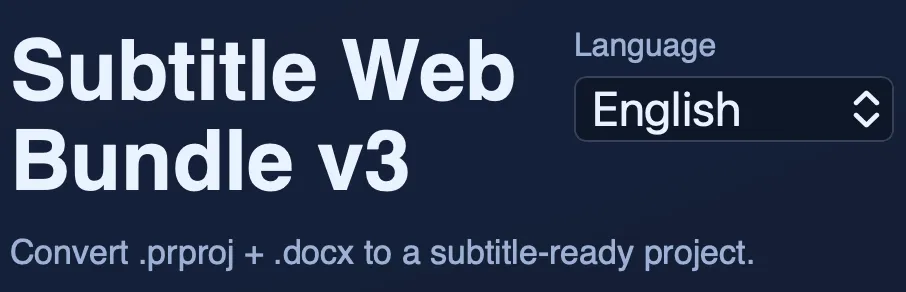
Right now the project has a few solid pieces:
- a subtitle engine with language-aware chunking rules,
- support for host/quote semantics via bold and italic text,
- video-anchor and audio-anchor workflows,
- a Premiere panel path,
- a web-service path,
- deployment history from local script to home server to cloud hosting,
- logging good enough to debug real usage.
That is a satisfying place to reach. Not because it is finished, but because it is clearly real.
What I would do next
The next steps are not mysterious:
- keep panel logic and service logic in sync,
- tighten public-service security a bit more,
- improve template detection across more MOGRT variants,
- keep smoothing the path for Windows and corporate environments,
- get more feedback from real editors before over-engineering the next layer.
That last one matters most.
Real users usually define the product faster than architecture diagrams do.
Final thought
I like projects that start slightly wrong.
This one started as “maybe I can automate subtitle generation in Premiere from a text document” and then refused to stay small. It passed through scripts, launchers, panel experiments, home hosting, router configuration, Cloud Run deployment, and a surprising amount of linguistic detail for something that began as a utility.
That usually means the problem was worth solving.
And it definitely was.