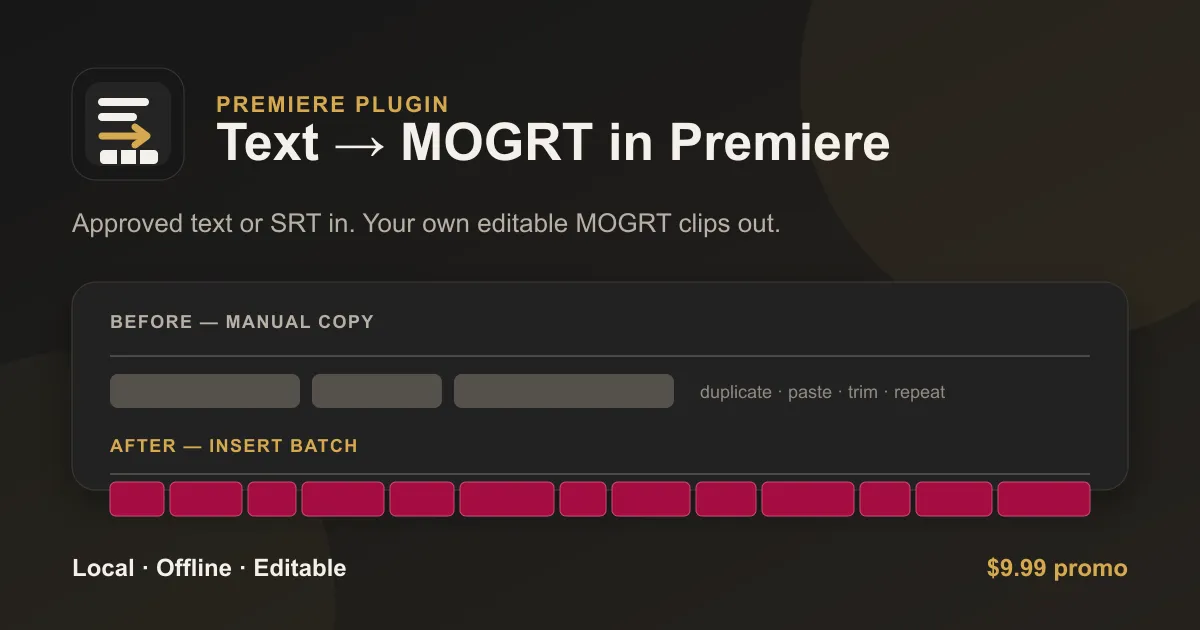
Text-to-MOGRT 1.1.8 has passed Adobe review. This update focuses on the small things that matter when turning an approved script into editable MOGRT subtitles in Adobe Premiere.
What changed
- Skip struck draft text. An optional DOCX filter leaves directly struck-through text out of the subtitle plan, before Host/Quote role detection. It is off by default.
- Use the line length you choose. Chars per line now follows the selected target, making wrapping and clip counts easier to control.
- Keep timing on the sequence grid. Better frame-rate handling includes 50 fps sequences in Premiere 25.6. Eligible one-frame Host/Quote overlaps are resolved before splitting the text; larger conflicts stop Preview with an explanation.
Processing stays local and offline on macOS and Windows. The updated user guide covers the new controls and examples.
$9.99 until version 2.0
Text-to-MOGRT is currently $9.99 as a one-time purchase. This is a temporary promotional price, available until version 2.0 launches. Version 2.0 will bring more features and a higher price.
I’m preparing a larger update: changing the look of existing MOGRT subtitles without rebuilding them by hand, exporting subtitle text and timing, and making finished subtitle work easier to reuse. The direction is a broader toolkit for creating, restyling, and exporting subtitles inside Premiere. I’ll share more as that work takes shape.